
Instruction - Android
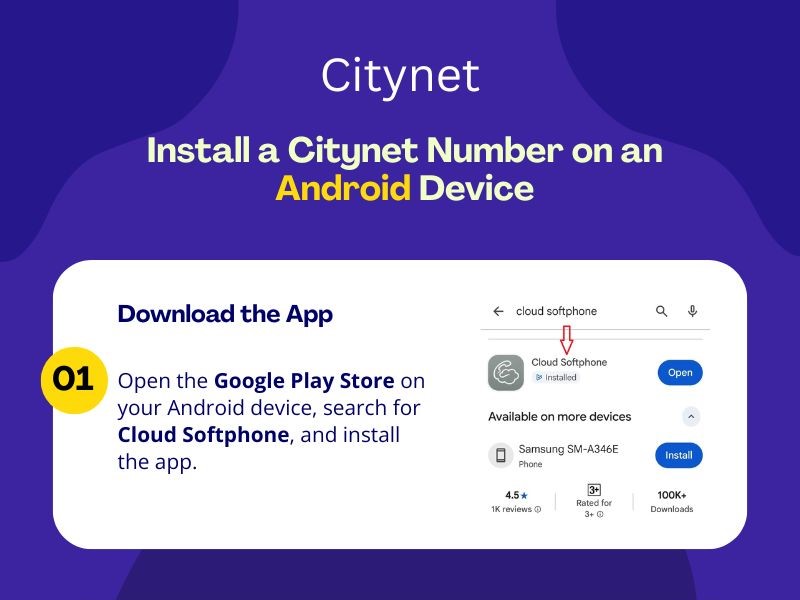
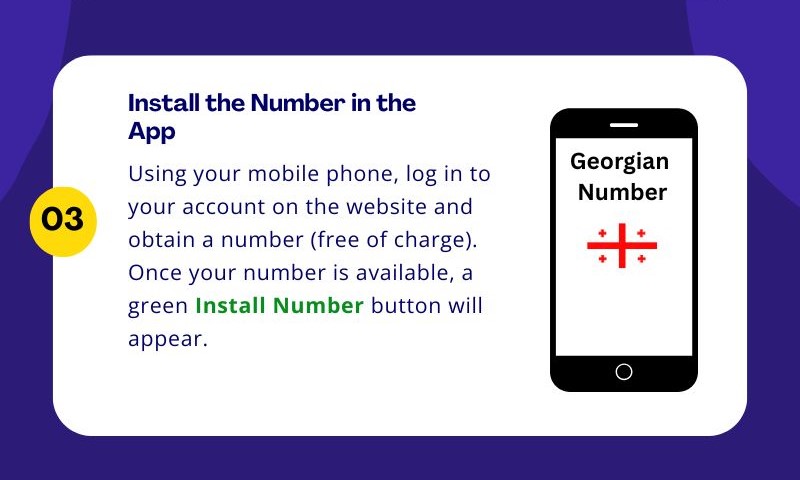
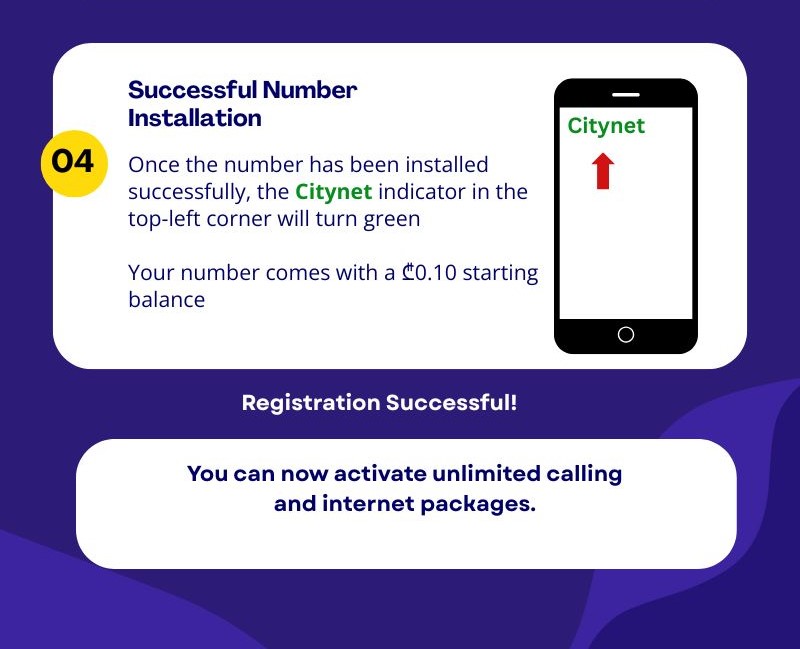
Note: There is also a manual method for configuring your number in the app
In the Cloud ID field, enter your CityNet phone number followed by @citynet (e.g., 2xxxxxx@citynet)
In the Password field, enter your number's SIP password (available in your Personal Account under the SIP Password button)